
QR Box Merchant App System
An audible payment alert system that works with merchant banking apps, supports five banks, provides faster alerts, and avoids monthly SMS cost.
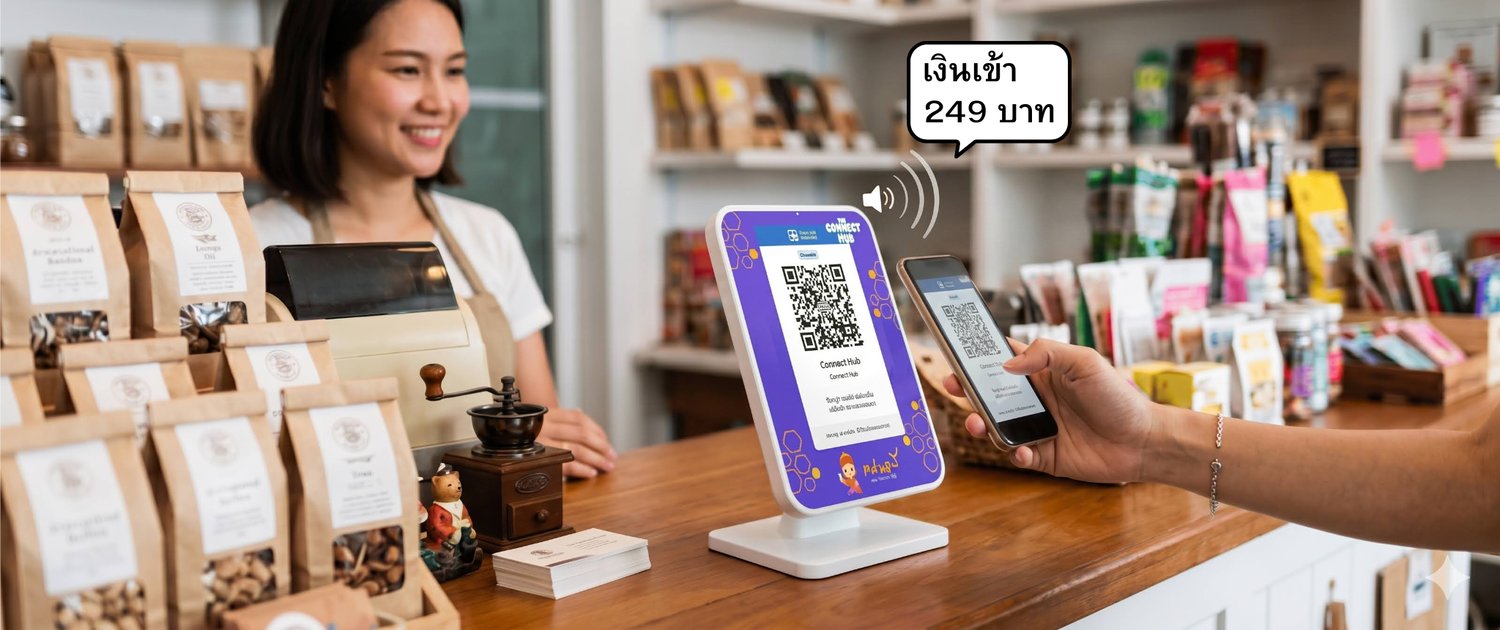
Audible Alerts Through Merchant Banking Apps
The ConnectHub app-based system is designed for merchants who want faster payment alerts, broader bank flexibility, and less dependence on SMS. The system works with a dedicated phone running merchant banking apps together with the ConnectHub service. When a payment notification appears in the merchant app, the system immediately sends the alert to the QR Box, producing a clear audible confirmation at the shop.
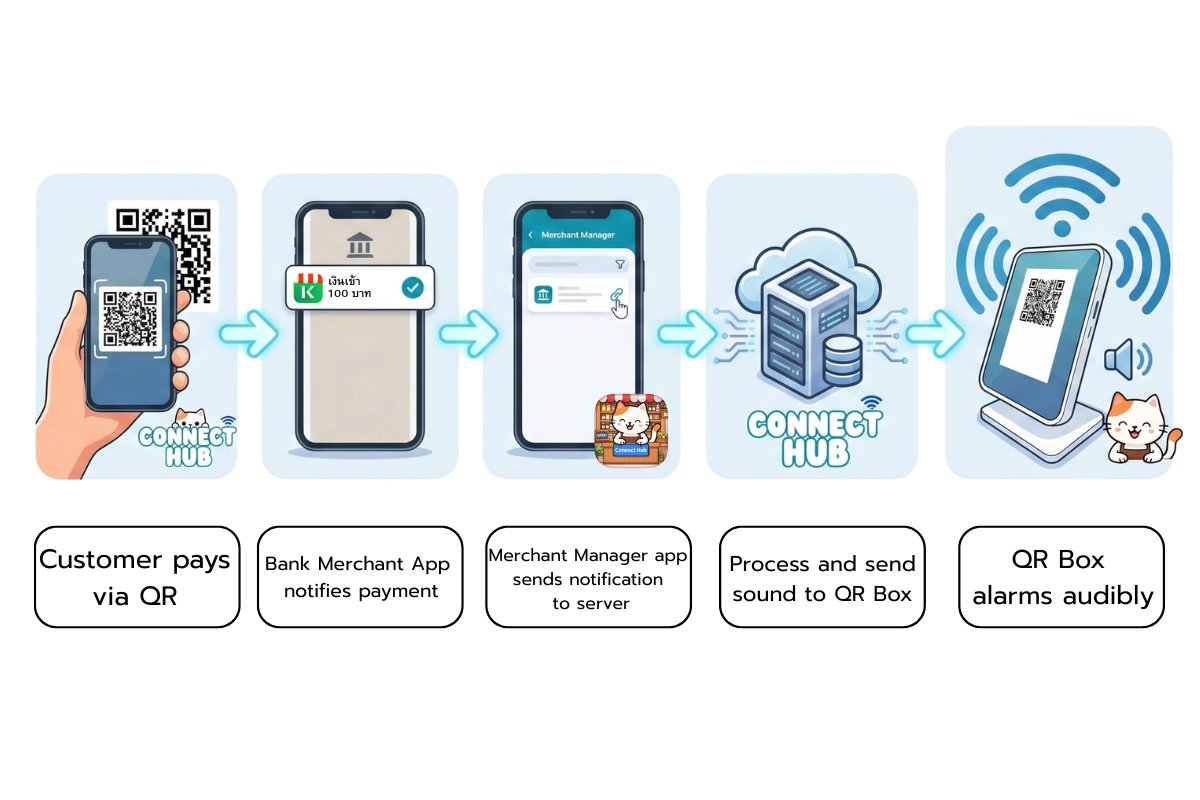
Key Benefits of the App-Based System
Fast Audible Alerts
Alerts typically arrive within about 1–3 seconds after the payment is completed and the merchant banking app generates a notification.
Works Across Multiple Banks
The system can monitor notifications from several merchant banking apps, allowing merchants to receive payments through multiple banks within the same setup.
More Flexibility for Managing Income
Merchants can manage incoming payments across different accounts or banks without being tied to a single provider.
Backup Receiving Options
If one bank experiences temporary issues, customers can still transfer to another supported bank while the system continues to provide audible alerts.
No Monthly SMS Cost
Because the system listens to app notifications instead of SMS, there is no per-account SMS fee.
Important Notes for Using the System
Requires a Dedicated Phone
The system uses a dedicated phone that runs the merchant banking apps together with the ConnectHub service.
Simple Daily Operating Routine
Most shops spend about one minute per day to ensure the merchant apps and system are ready for operation.
Designed for Long-Term Merchant Use
The app-based system is suitable for shops that want faster alerts, support for multiple banks, and a more flexible long-term setup.
Want to Compare With Other QR Boxes?
Learn more about how ConnectHub differs from typical QR Boxes in terms of monthly fees, transaction fees, multi-bank support, and direct payment into the merchant’s own bank account.
Interested in the ConnectHub App-Based System?
Contact us on LINE to see whether the ConnectHub system fits your shop and to learn more about the setup.