
QR Box Buyer’s Guide: Which Type Fits Your Shop?
Looking at QR Boxes but not sure which type fits your shop? This buyer’s guide explores practical factors such as how your shop receives payments, transaction frequency, and notification needs to help you compare your options.
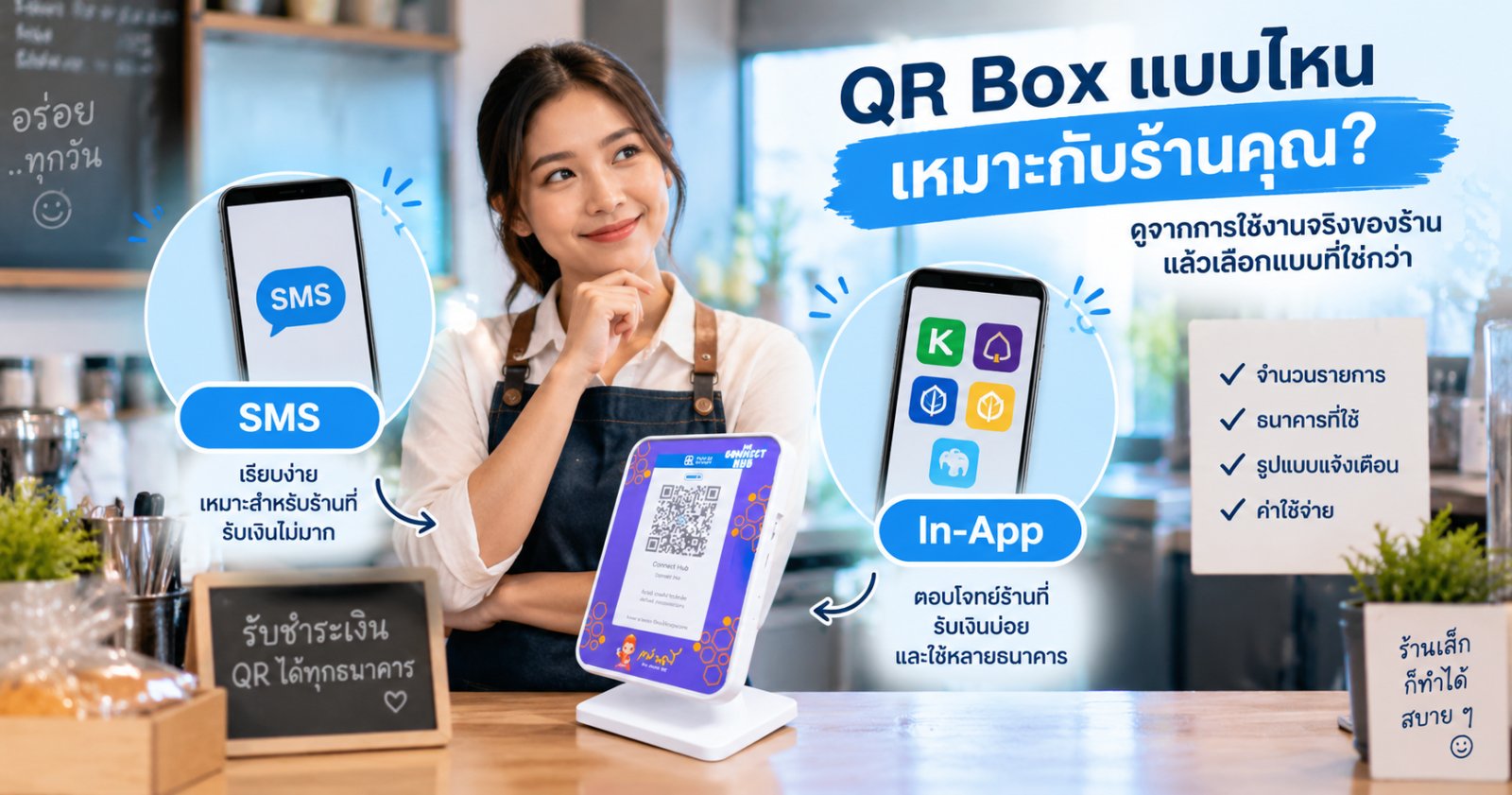
Start With How Your Shop Operates
How often do you receive payments?
A shop with relatively few and infrequent incoming payments may prioritize simplicity. As transaction frequency increases, clear and continuous payment awareness becomes more important.
Do you use one bank or multiple banks?
If your shop receives payments through multiple banks, consider how the system fits your existing payment channels and whether additional devices or notification arrangements are required.
How clearly must alerts be heard?
Busy or noisy shops, or shops with multiple staff members, may benefit from a dedicated audible alert rather than relying only on a phone speaker.
What Should You Compare Before Buying a QR Box?
Notification source
Understand whether the system receives notifications through SMS, an app, or another channel, because each approach has different requirements and operating characteristics.
Actual operating cost
Look beyond the device price. Consider ongoing costs such as related service fees, SMS charges, or supporting equipment.
Your banks and accounts
Check whether the system fits the banks and account setup your shop actually uses, particularly when receiving payments through multiple banks.
Fit with shop operations
Consider staff workflow, transaction volume, shop environment, and how your team currently verifies incoming payments.
Who Is the Connect Hub SMS System For?
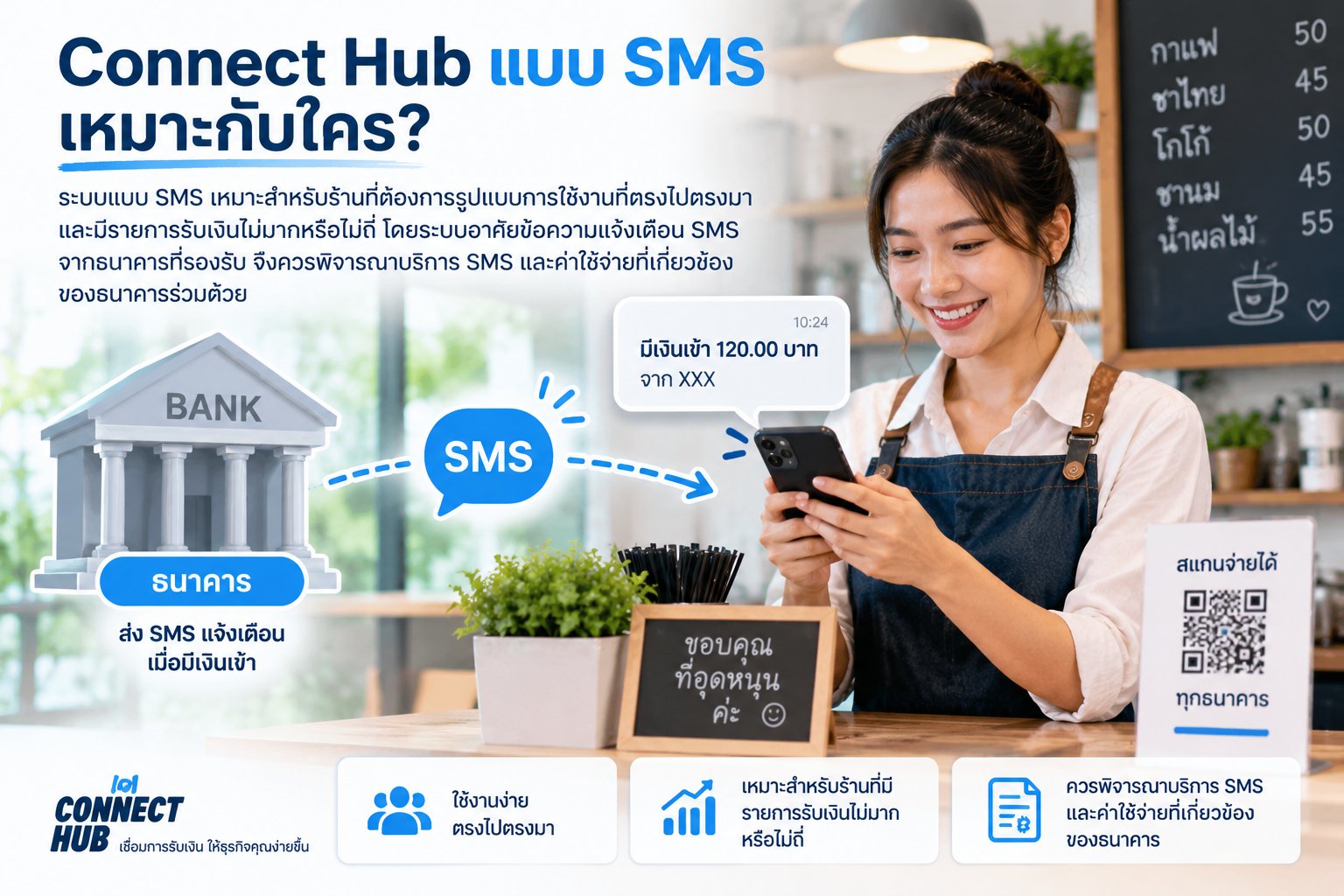
The SMS approach is suitable for merchants who want a straightforward setup and have relatively few or infrequent incoming payments. It relies on supported bank SMS notifications, so the bank's SMS service and associated costs should also be considered.
Who Is the Connect Hub In-App System For?
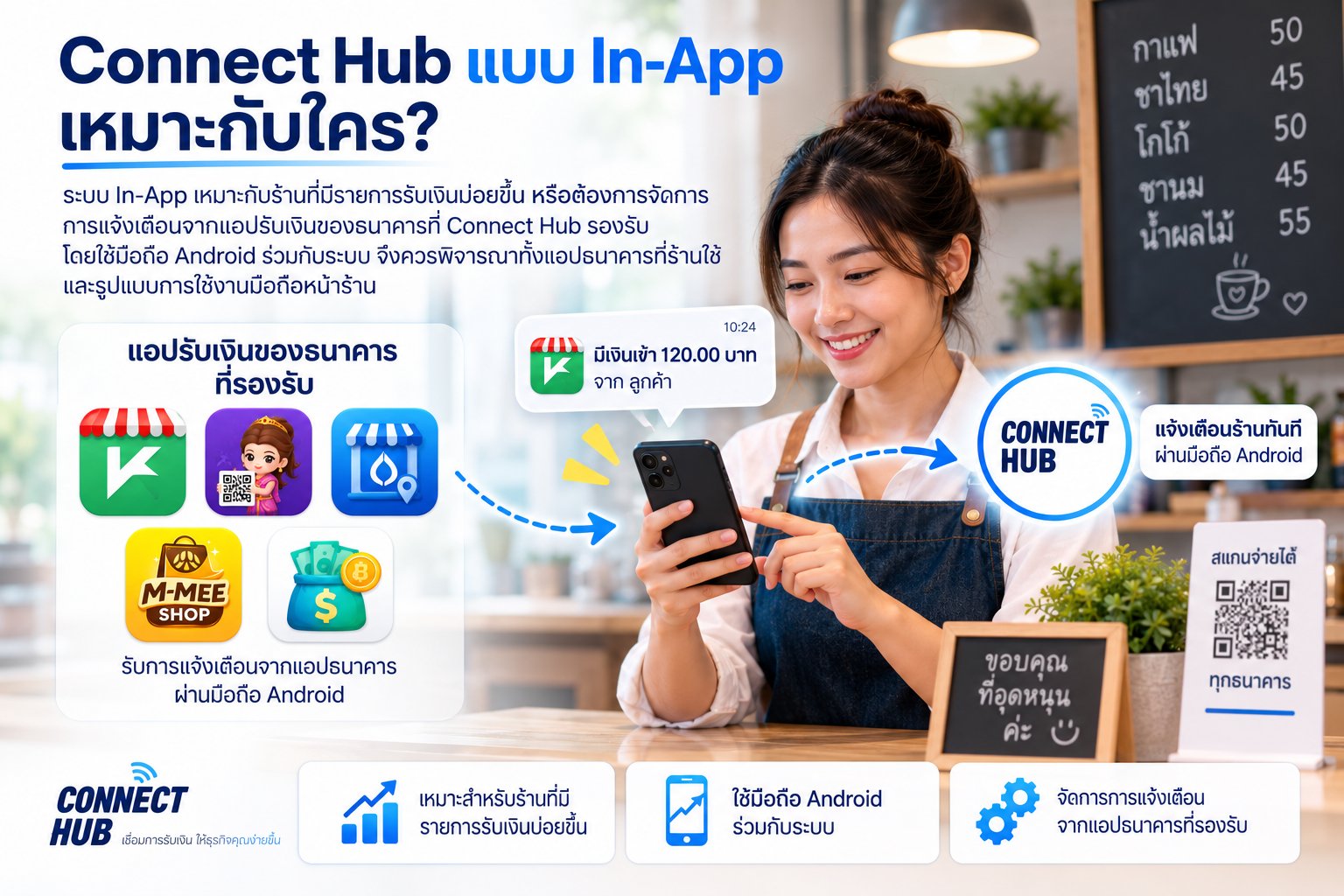
The In-App approach is suitable for merchants with more frequent incoming payments or those who want to work with supported merchant banking apps. It uses an Android phone alongside the system, so merchants should consider both their supported banking apps and how the phone will be used in the shop.
A Simple Way to Narrow Down Your Choice
Few, infrequent payments
Start by considering the SMS system if your bank is supported and its SMS service and costs fit your operation.
Frequent incoming payments
Consider the In-App system and whether app-based notifications better fit a workflow with continuous transactions.
Multiple banks
Review the In-App system and its supported merchant apps against the banks your shop actually uses.
Still unsure
Do not compare only device price or speaker volume. Consider notification source, ongoing costs, banking setup, and transaction volume together.
Want a More Detailed Comparison?
Explore our SMS vs In-App and other merchant payment-alert comparisons to understand notification methods, costs, and operating differences before choosing.
Still Not Sure Which One Fits Your Shop?
Tell Connect Hub about your shop, banks, and payment workflow to discuss an approach that fits your operation.