
ttb smart shop Payment Notification Sound Test: QR Payments and Connect Hub

Explore how ttb smart shop handles incoming payment notifications when the app is open, another app is in use, or the phone screen is off. Learn about the observed notification behavior and an alternative using Connect Hub QR Box.
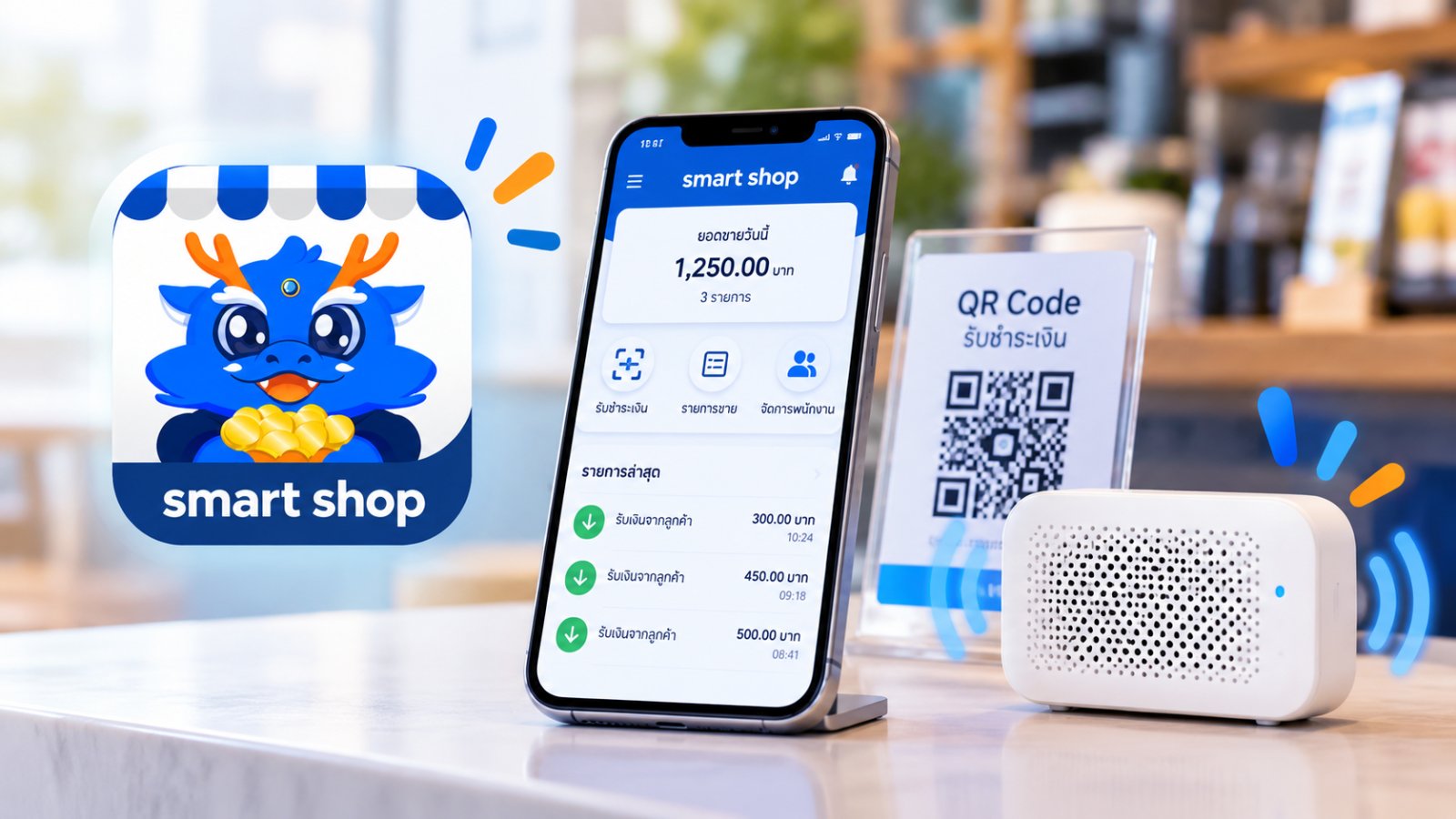
ttb smart shop Payment Notification Sound Test: QR Payments and Connect Hub

ttb smart shop Payment Notification Sound Comparison

Keeping ttb smart shop Open

During the test, a clearly audible payment notification was heard while the application remained visible on the phone screen.

Switching to Another Application

The same audible notification was not heard, but a payment notification message briefly appeared.

Turning Off the Phone Screen

During the test, the audible and text payment notification was not heard nor received when the screen was off.

Using Connect Hub QR Box

A separate QR Box can announce payment amounts from supported notifications without requiring the banking application to remain visible on the phone screen.

## Introducing ttb smart shop for Merchants For merchants already using ttb banking services, **ttb smart shop** provides a convenient way to accept customer payments through QR Codes. The application offers useful merchant features, including: - **Dedicated payment QR Codes** provided by the bank for merchants. - **Additional user accounts** that can receive payment notifications. These features help businesses manage payment acceptance through their merchant banking application. ## Testing ttb smart shop Payment Notification Sounds When a customer makes a QR Code payment, an important question is: **Will the payment notification sound still be heard if the banking app is not kept open?** Connect Hub tested the notification behavior of ttb smart shop under different phone usage conditions. ### Scenario 1: Keeping ttb smart shop Open When a payment was received while the ttb smart shop application remained visible on the phone screen, **a clearly audible payment notification was heard**. ### Scenario 2: Switching to Another Application When the user switched to another application, the test showed that **the same audible payment notification was no longer heard**. However, a payment notification message still appeared briefly on the phone screen. ### Scenario 3: Turning Off the Phone Screen When the phone screen was turned off, the same audible payment notification was not heard during the test, nor a text notification was still received. **Observation:** These results describe the tested application and device conditions. They do not establish identical behavior across every phone or application version. ## How Can Merchants Hear Payment Announcements Without Keeping the App Open? Merchants often need to use their phones for other tasks throughout the day. Keeping ttb smart shop continuously open may therefore be inconvenient. One alternative is to use **Connect Hub Merchant Manager with Connect Hub QR Box**. Connect Hub works with supported payment notifications from ttb smart shop and can announce incoming payment amounts through a separate QR Box device. This allows merchants to: - **Switch between applications** on their phones. - **Hear payment amount announcements through a QR Box**, without relying solely on the banking application's sound. - **Continue receiving payments into their existing bank accounts**, without changing how customer funds are received. Audible announcements depend on the required payment notifications being received and supported operating conditions being met. ## Summary of the ttb smart shop Test The payment notification test showed the following behavior: - **App open:** A clearly audible payment notification was heard. - **Another app in use:** The same sound was not heard, but a notification message appeared briefly. - **Screen off:** The same audible notification was not heard, although a text notification was still received. For merchants who need greater flexibility when using their phones, **Connect Hub QR Box provides an additional audible payment-notification option for supported ttb smart shop notifications**. --- **Important:** Connect Hub uses notification information from supported merchant banking applications. It does not independently verify bank settlement, receive customer funds, or transfer payments on behalf of merchants. Customer payments go directly into the merchant's bank account.